
Food Ingredient Checker: Read the Label Before You Buy
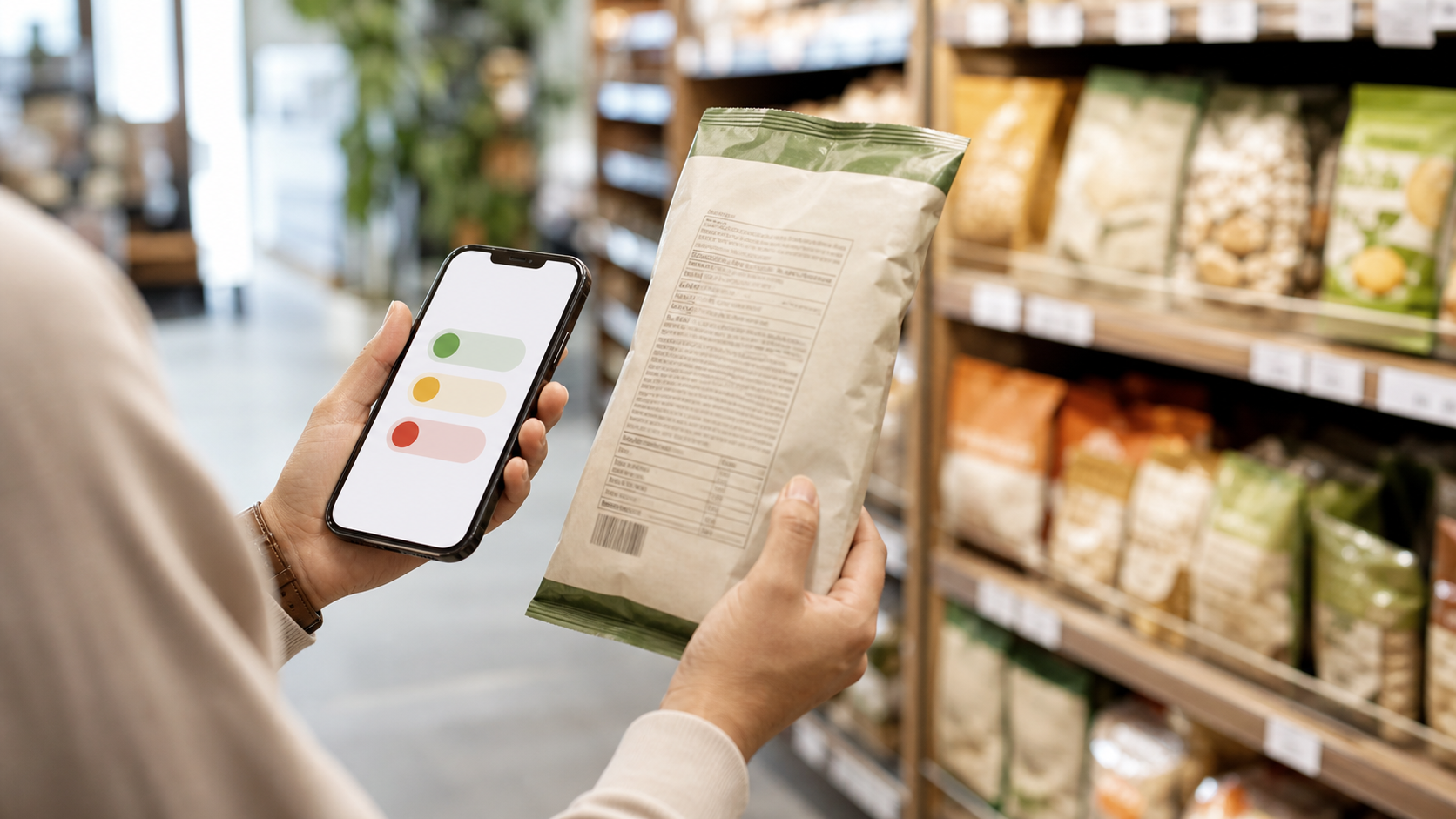
Quick answer: A food ingredient checker is most useful when it turns a dense ingredient list into a short, repeatable review. Confirm the exact product, read ingredients in order, identify what each unfamiliar item does, check the nine major allergens, then compare the result with the serving size and Nutrition Facts panel. Use the scan to make an Eat / Limit / Skip decision—not as proof that a food is medically safe or automatically healthy.
The front of a package is designed to be quick. “Natural,” “high protein,” “no added sugar,” “plant based,” and “gluten free” can all sound decisive before you have looked at what the product is made from. The ingredient list is slower, smaller, and usually more useful.
Still, reading every line in a grocery aisle is annoying. An ingredient checker helps by organizing the label. The good ones also know when to stop: they surface evidence, show uncertainty, and send you back to the current package when the decision matters.
Table of contents
- What a food ingredient checker actually checks
- Ingredient checker vs Nutrition Facts scanner vs barcode lookup
- The five-step ingredient check
- Three everyday label examples
- Where Eatibo fits
- When an ingredient checker is not enough
- Frequently asked questions
Key takeaways
- FDA-regulated packaged foods generally list ingredients in descending order by weight, so the first ingredients tell you what predominates in the product.
- An ingredient checker and a Nutrition Facts scanner answer different questions; use both before making a repeat purchase.
- In the United States, the nine major food allergens are milk, egg, fish, Crustacean shellfish, tree nuts, peanuts, wheat, soybeans, and sesame.
- Serving size changes the meaning of every calorie and nutrient number on the Nutrition Facts panel.
- Eatibo is most useful when the ingredient check becomes a saved decision and a visible weekly pattern.
A food ingredient checker is a label-reading assistant that organizes ingredients, flags relevant patterns, and helps you decide what to verify before you buy, eat, or log the product.
What a food ingredient checker actually checks
An ingredient checker reads the ingredient statement, not the marketing claim. Its first job is simple: help you see what is present and what is prominent.
The FDA says ingredients on packaged-food labels are listed in descending order of predominance by weight. That makes the top of the list useful. If sugar, refined flour, or oil appears near the beginning, it is not a trace detail. If whole grains, beans, nuts, milk, or another recognizable base comes first, that tells you what the product is mostly built from.
The rest of the list still matters. A checker can group unfamiliar terms by function:
- Preservatives that help slow spoilage.
- Emulsifiers, gums, and stabilizers used for texture.
- Sweeteners, syrups, and sugar alcohols.
- Colors and flavor terms.
- Vitamins and minerals used for fortification.
- Oils, starches, protein isolates, and other formulation ingredients.
- Major allergens and ingredients that conflict with a personal preference.
An unfamiliar name is not automatically a danger signal. The FDA notes that ingredients can serve safety, freshness, nutrition, taste, and texture functions. The useful question is: what role does this ingredient play, and does the whole product fit what I need it to do?
Ingredient checker vs Nutrition Facts scanner vs barcode lookup
These tools overlap, but they are not interchangeable.
| Tool | Best question | What to verify |
|---|---|---|
| Ingredient checker | What is this food made from? | Ingredient order, additive roles, allergens, sweeteners, oils, and personal conflicts |
| Nutrition Facts scanner | How much does one serving contain? | Serving size, calories, sodium, added sugar, fiber, protein, saturated fat, and total carbohydrate |
| Barcode lookup | Which packaged product is this? | Exact flavor, package size, formula, date, and whether the stored record matches the package |
Here is where people mess this up: they use one correct answer as if it answered all three questions. A barcode can find the right product but return an old formula. An ingredient list can look simple while the serving is high in sodium. A Nutrition Facts panel can look reasonable while the product contains an allergen or ingredient you avoid.
The current package should settle disagreements. If an app record conflicts with the label in your hand, verify the label before you save the food.
The five-step ingredient check
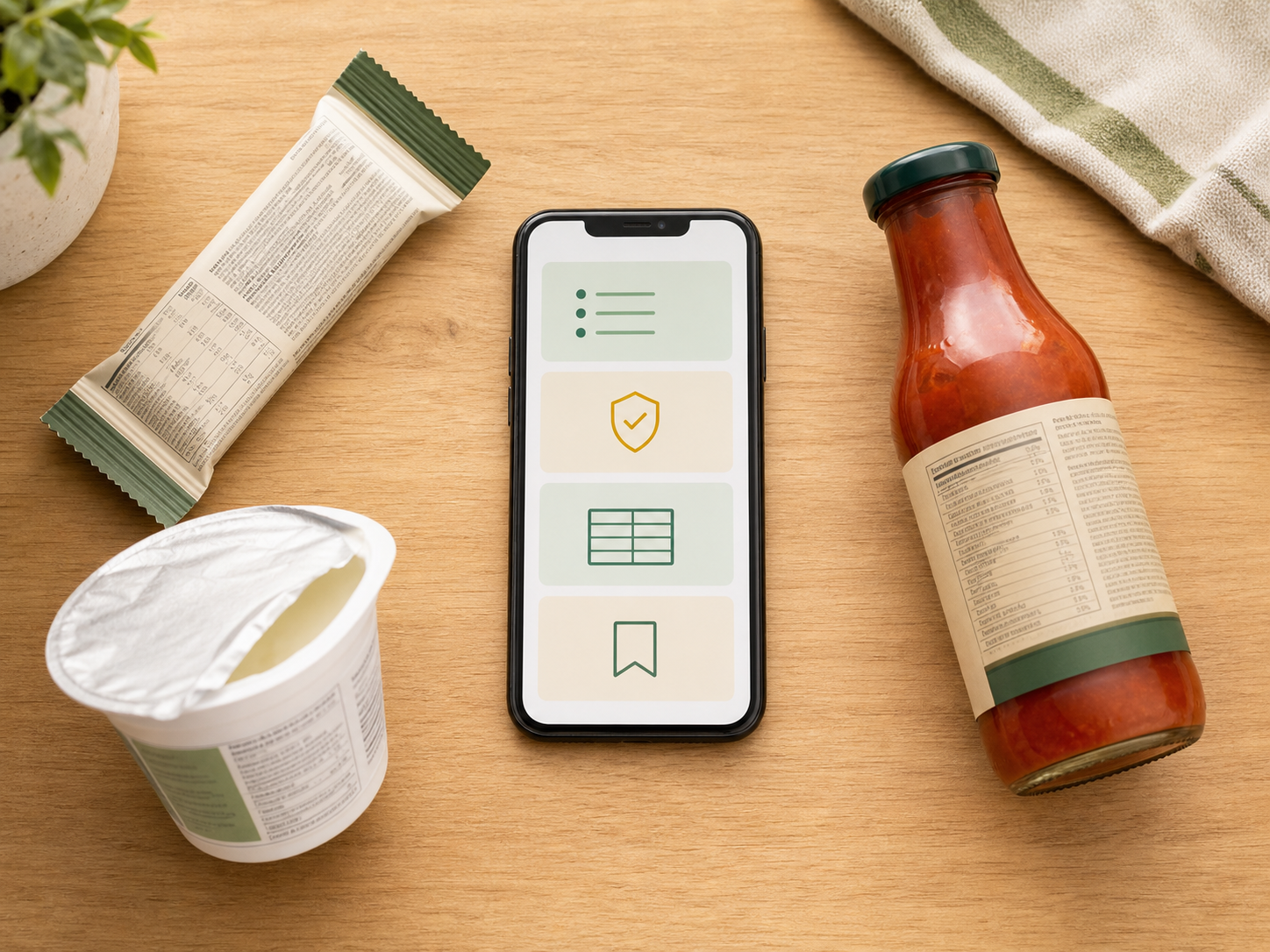
Use the same sequence for snack bars, cereal, yogurt, sauces, frozen meals, drinks, bread, plant-based alternatives, and other packaged foods.
1. Confirm the exact product
Match the product name, flavor, package size, and current label. Formula changes happen, and similar packages can carry different ingredients.
Before trusting the result, ask:
- Is this the same flavor and size?
- Does the ingredient list in the app match the package?
- Is the package new, imported, seasonal, or marked as reformulated?
- Does the barcode result show the same serving size?
GS1's GTIN management rules recognize that some product changes are meaningful enough to require a new product identifier. That does not guarantee every nutrition database updates at the same time. Treat the barcode as a lookup shortcut, not a substitute for the package.
2. Read ingredients in order
Start with the first few ingredients because they predominate by weight. Then scan the rest for details that could change your decision.
For a granola bar, the opening ingredients may tell you whether the product is mostly oats and nuts or mostly syrup and refined starch. For a tomato sauce, tomatoes first gives a different starting point than water, sweetener, and starch. For a plant-based yogurt, the base ingredient helps explain why protein and texture can vary so much between products.
Do not reduce the check to “short list good, long list bad.” A fortified food may have a longer list because vitamins and minerals are declared. A short list can still describe a salty, sugary, or calorie-dense product. Ingredient order gives context; it does not deliver the final verdict.
3. Group unfamiliar ingredients by function
Instead of reacting to every technical word, ask what it does.
| Ingredient role | Common reason it appears | Better follow-up question |
|---|---|---|
| Preservative | Freshness and shelf life | Is this part of a useful convenience food, and how often do I eat it? |
| Emulsifier or gum | Texture and consistency | Does the full product still fit my digestion and preferences? |
| Sweetener | Sweetness with or without added sugar | What do added sugar, calories, fiber, and protein show? |
| Color or flavor | Appearance or taste | Is the food mostly delivering sensory appeal, or does it do a useful nutrition job? |
| Fortificant | Added vitamins or minerals | Does the nutrient addition matter for the food's role in my routine? |
This keeps the review practical. You do not need to become a food chemist. You need enough context to decide whether the product belongs in your routine.
4. Check allergens and personal boundaries
For FDA-regulated foods in the United States, the nine major allergens are milk, egg, fish, Crustacean shellfish, tree nuts, peanuts, wheat, soybeans, and sesame. Labels may identify the food source within the ingredient list or in a “Contains” statement.
An ingredient checker can highlight those terms, but it cannot certify allergy safety. It may miss formula changes, regional labels, cross-contact information, ambiguous records, or details that require manufacturer confirmation.
Separate three kinds of boundaries:
- Major allergen: a high-stakes safety issue that needs the current label and your medical plan.
- Sensitivity or intolerance: a personal response that may depend on dose, preparation, and clinician guidance.
- Preference: a rule such as seed-oil-free, vegetarian, low-sugar, or avoiding a specific additive.
The app can help organize all three, but they should not be presented as the same kind of risk.
5. Cross-check serving size and save the real decision
The ingredient list tells you what is present. The Nutrition Facts panel tells you how the serving adds up.
The FDA recommends starting with serving information because nutrition values are usually stated per serving. If you eat two servings, the calories and nutrient amounts generally double. That can turn a moderate-looking snack into a very different log entry.
Check at least:
- Serving size and servings per container.
- Calories.
- Added sugars and sodium.
- Fiber and protein.
- Saturated fat when relevant.
- The amount you actually expect to eat.
Then save the choice. A useful ingredient check ends with a decision you can reuse, not twenty warnings you forget before the next grocery trip.
Three everyday label examples
Protein bar
The front says “20g protein.” The ingredient checker shows a protein blend, several sweeteners, sugar alcohols, an oil, flavor terms, and milk or soy. The Nutrition Facts panel shows the serving is one bar.
The decision depends on the job. It may be useful after a workout or during travel. It may be a weak everyday snack if it causes digestive discomfort, adds more sweetness than you want, or replaces a more filling meal.
Flavored yogurt
The ingredient list begins with milk or a plant base, followed by sugar, fruit preparation, starches, gums, flavors, or cultures. Now compare protein, added sugar, serving size, and allergens.
Two yogurts can have similar calories and very different jobs. One may work as a protein snack. Another may be closer to dessert. The ingredient list and Nutrition Facts panel together make that distinction clearer.
Bottled sauce
The first ingredients show whether the sauce is mostly tomatoes, oil, water, sugar, or another base. The rest of the list may include thickeners, preservatives, colors, and flavor terms. The Nutrition Facts panel may reveal that sodium—not an unfamiliar additive—is the practical limit.
Log the amount you actually use. A two-tablespoon serving can look modest while a real pour is much larger.
Where Eatibo fits
Eatibo can scan an ingredient list, Nutrition Facts panel, or barcode and keep the evidence in one decision flow. Use it to surface additive, allergen, seed-oil, ultra-processed, added-sugar, sodium, and serving-size signals, then decide whether the food is an Eat, Limit, or Skip for your current goal.
- Eat: The exact product is verified, ingredients fit your boundaries, and the serving works for the meal or snack.
- Limit: The food is useful, but added sugar, sodium, low fiber, low protein, ingredient conflicts, or repeat frequency makes it a weaker default.
- Skip: The label is unclear, the app record does not match, or the product crosses a medical, allergen, or personal boundary you cannot verify.
For a paste-first desktop check, use the free Food Additive Checker. The Food Additive Risk Alerts feature explains how Eatibo surfaces ingredient and preference conflicts. If you need a deeper additive-specific guide, read Food Additives: How to Scan Ingredient Lists Smarter.
The bigger value comes after the scan. Save the product to your Nutrition Log and review the pattern. If the same sweetener, allergen concern, low-fiber snack, or high-sodium convenience food keeps appearing, next week's shopping decision becomes easier.
When an ingredient checker is not enough
Do not use a consumer ingredient checker as the final authority for diagnosed food allergies, celiac disease, severe reaction history, diabetes medication, kidney disease, heart disease, pregnancy, pediatric nutrition, eating disorder recovery, medication interactions, or a clinician-directed diet.
Eatibo can help scan, organize, and log label information. It is not a medical device, allergist, registered dietitian, food-safety authority, medication interaction checker, or substitute for professional care.
Also verify the manufacturer or another authoritative source when:
- The package has no complete label.
- The formula or allergen statement appears to have changed.
- The product is imported or region-specific.
- The app record is incomplete or conflicts with the package.
- Cross-contact could create a serious risk.
- The decision depends on certification, not just listed ingredients.
Frequently asked questions
What does a food ingredient checker do?
A food ingredient checker reads or organizes a packaged-food ingredient list. It can highlight ingredient order, additive roles, major allergens, sweeteners, oils, and preference conflicts. The best tools also point you to the serving size and Nutrition Facts panel instead of treating the ingredient list as a complete health score.
Are ingredients listed from most to least?
For FDA-regulated packaged foods, ingredients are generally listed in descending order of predominance by weight. The ingredient used in the greatest amount appears first, followed by ingredients used in smaller amounts. This makes the beginning of the list useful, but the full label and real serving still matter.
Can an ingredient checker tell me whether a food is healthy?
Not by itself. It can show what is present and flag useful patterns, but “healthy” depends on serving size, overall nutrition, frequency, personal goals, medical needs, and what the food replaces. Use the ingredient result with the Nutrition Facts panel and your real eating pattern.
Can a food ingredient checker detect allergens?
It can highlight declared major allergens and ingredient terms, but it cannot certify that a food is safe for someone with an allergy. Always read the current package and follow your allergy plan. Contact the manufacturer or a qualified clinician when the label is unclear or the risk is serious.
Is an ingredient checker the same as a barcode scanner?
No. A barcode scanner identifies a likely product record. An ingredient checker interprets the ingredient list. A product database can be stale or matched to a different flavor or package size, so compare the barcode result with the current ingredient list before saving it.
Should I avoid every ingredient I do not recognize?
No. Unfamiliar ingredients can serve preservation, texture, nutrition, flavor, or processing functions. Identify the role first, then judge the full product: ingredient order, allergens, serving size, added sugar, sodium, fiber, protein, and how often you eat it.
Summary
A food ingredient checker should make the label easier to use, not more frightening. Confirm the product, read ingredients in order, group unfamiliar terms by function, check allergens, cross-check the serving, and save the real decision. That gives you a calmer grocery rule—and a better Nutrition Log—than a single red or green score.
Last updated: July 18, 2026
Sources
- FDA: Types of Food Ingredients
- FDA: Food Additives and GRAS Ingredients—Information for Consumers
- FDA: Frequently Asked Questions—Food Allergen Labeling Guidance
- FDA: Serving Size on the Nutrition Facts Label
- USDA: FoodData Central
- GS1: GTIN Management Rules
Related reading
- Nutrition Label Scanner App: Read Labels Before You Log explains the full Nutrition Facts workflow.
- Food Barcode Scanner App: Check Labels Before You Log shows how to verify a database match.
- Food Allergy Scanner App: What a Label Scan Can and Cannot Do sets stricter boundaries for allergen decisions.
- Ultra-Processed Food Scanner App: What the Label Can Actually Tell You connects ingredient details to repeat eating patterns.